Code it, ship it,get scored
The AI/ML club at SST. Real competitions, open-source products, and research you can reproduce.
Google sign-in · @sst.scaler.com only

Where the work actually happens
Three tracks
Pick a lane. Get ranked.
Not a syllabus and not a lecture series. Competitions, products and papers — each track has its own definition of done.
Kaggle, with a cohort
Real competitions, real leaderboards, real deadlines. You learn by being scored against thousands of strangers on a problem nobody has solved for you.
- Validation that survives contact with unseen data
- Reading a leaderboard without fooling yourself
- Working under a deadline you do not control
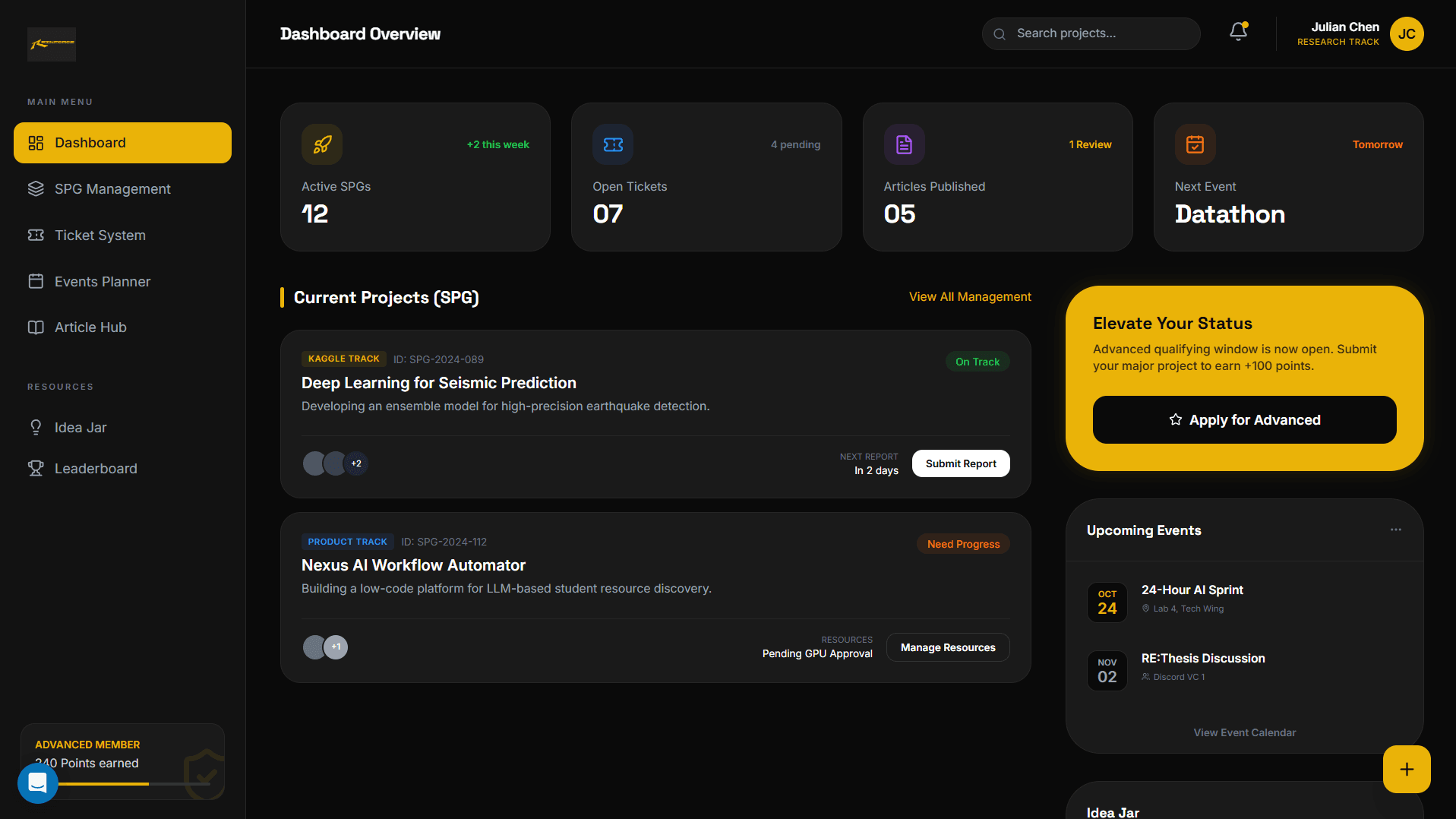
Build it. Put it in front of people.
Take something from an idea to deployed. Users, bugs, feedback — the parts of engineering that only show up once real people touch your work.
- Shipping something you then have to maintain
- Reading a bug report from someone who is not you
- Making decisions with incomplete information
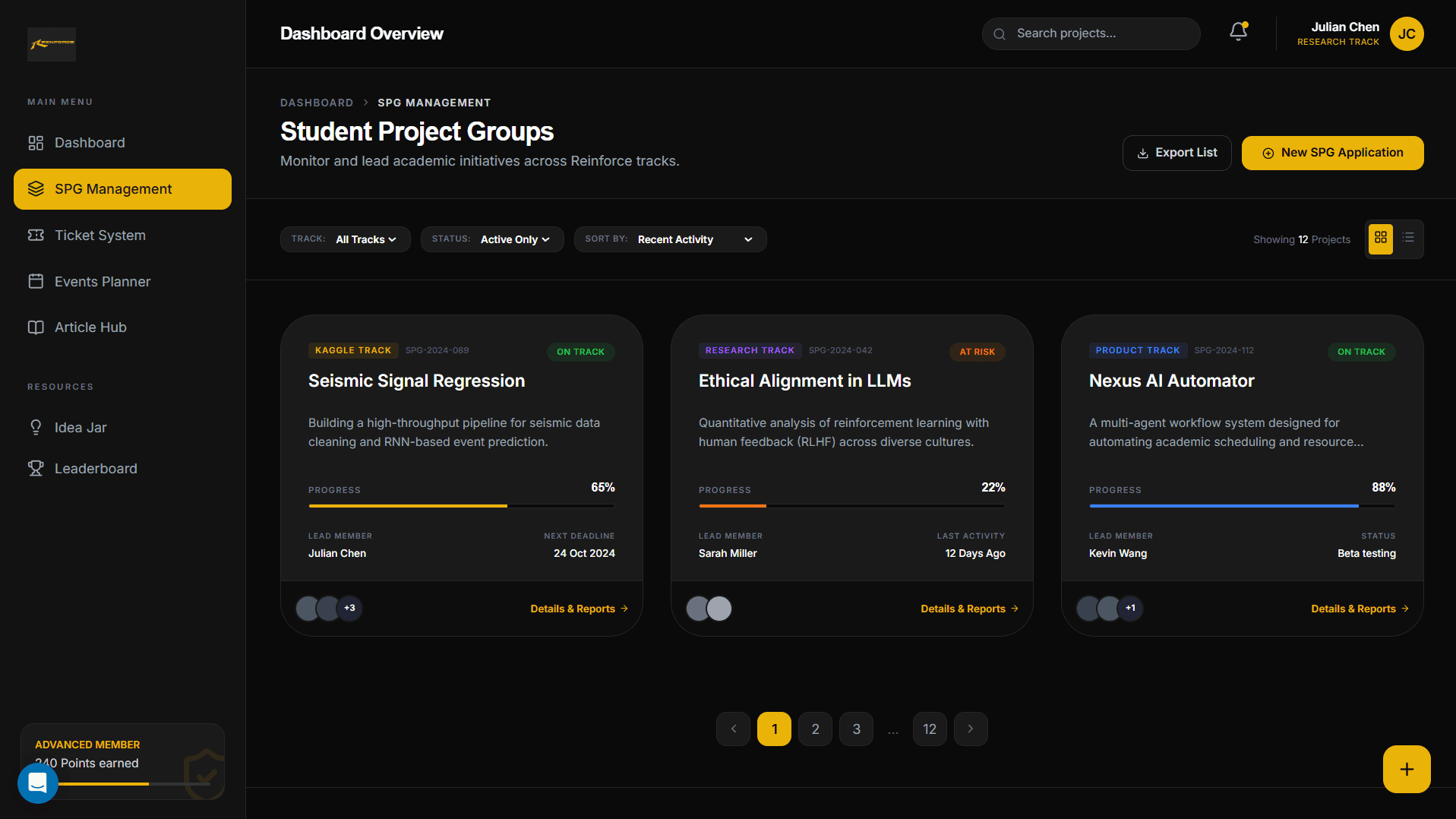
Read it. Reproduce it. Find the gaps.
Pick a paper. Reproduce it. Find where it breaks. Write up what you learned. The skill that separates using a model from understanding one.
- Reading a paper closely enough to implement it
- Telling a real result from a lucky seed
- Writing up a negative result honestly
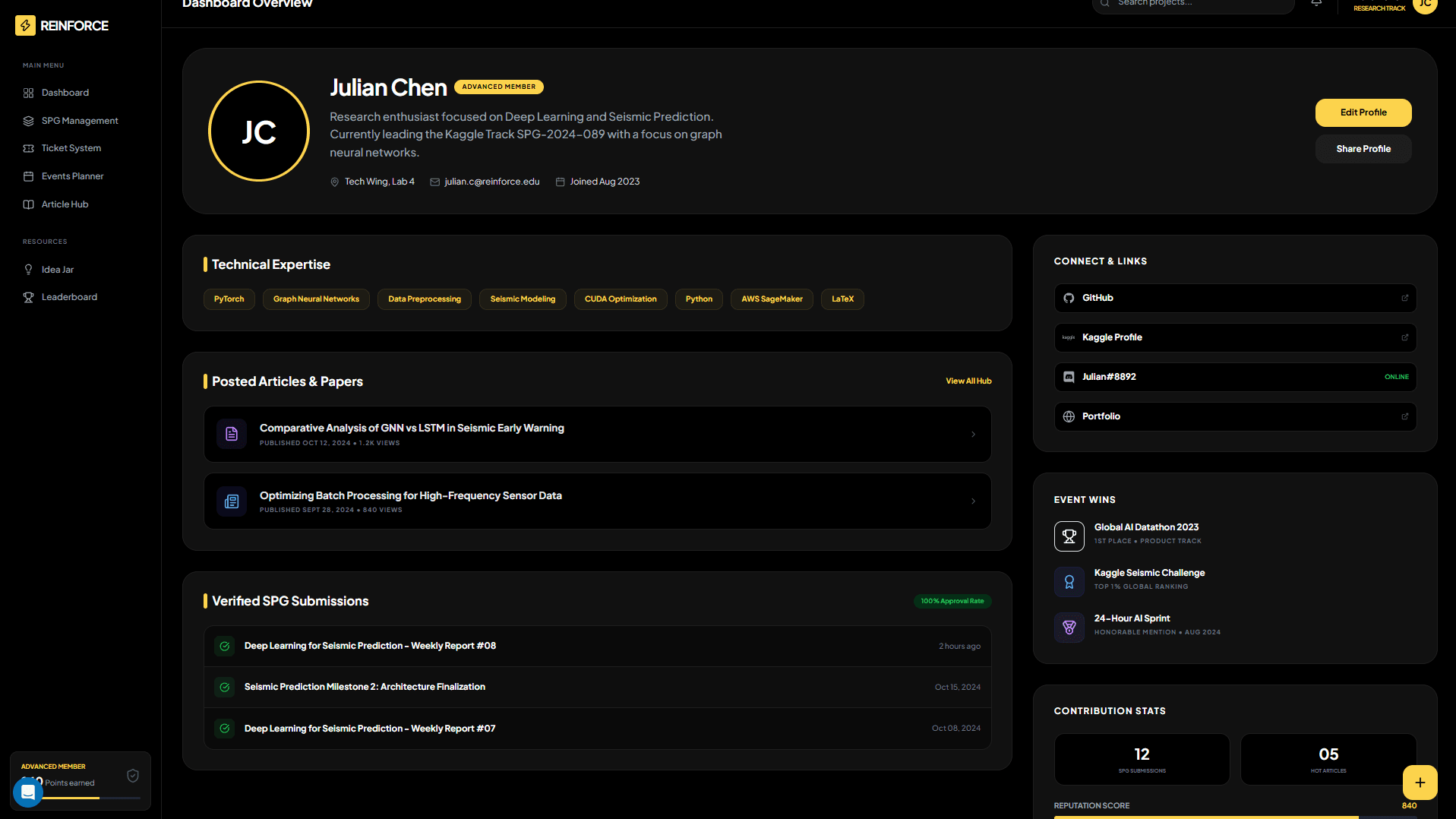
The ledger
Do the work. It counts.
Start in Discord. Register a project group, request resources or share an idea through the club bot. Keep updates and discussion with the ticket.
STEP 01
Do the work
A competition entry, a paper reproduction, a pull request. Pick a concrete goal and build towards it.
STEP 02
It gets recorded
Register a project group or file a request through the club’s Discord bot. Keep the discussion with the work.
STEP 03
Keep it moving
Follow your ticket in Discord and add updates to the conversation as the work progresses.
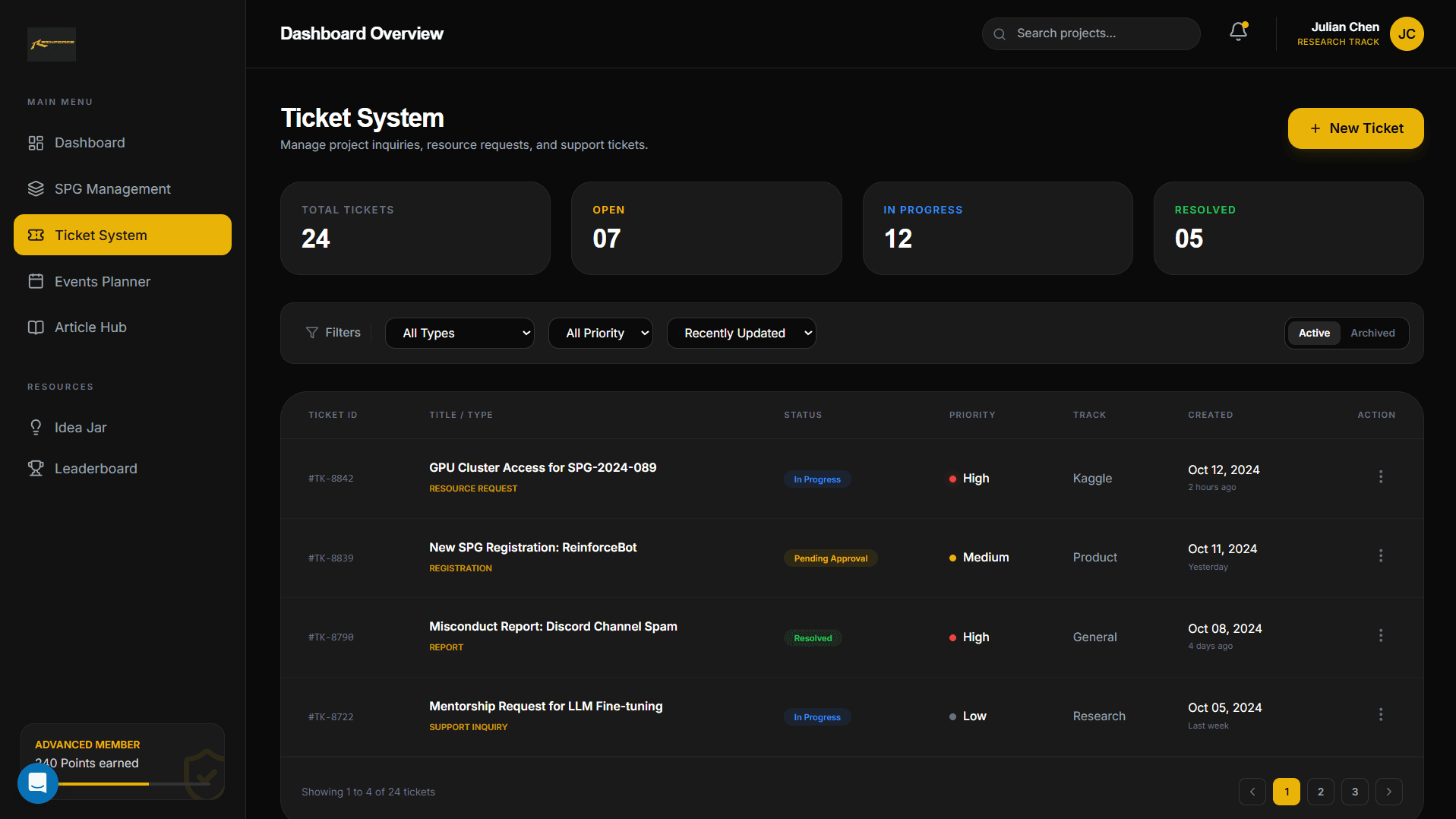
YUVI, the club bot
Onboarding starts with one command
The bot sends you a private link to the site. Sign in with your college email to connect your Discord identity to your club record.
- Google sign-in pinned to @sst.scaler.com
- One linked identity across Discord and the web
- Project groups and resource requests through the club bot
/auth↳ Open your private verification linkreinforce-student-dashboard-xi.vercel.app/auth Sign in with your SST Google account.Follow the prompts to link Discord. Joining
Three steps. Your move.
01
Sign in
Google, with your @sst.scaler.com address. Your college account is your way in.
02
Link Discord
Run
/authin the club server and follow the private link to connect your account.03
Pick a track
Competitions, products or research. Find a concrete goal and people to work on it with.
Reinforce it.
Open to students at SST. No prior ML required, only the willingness to learn in public.